 Another Dock
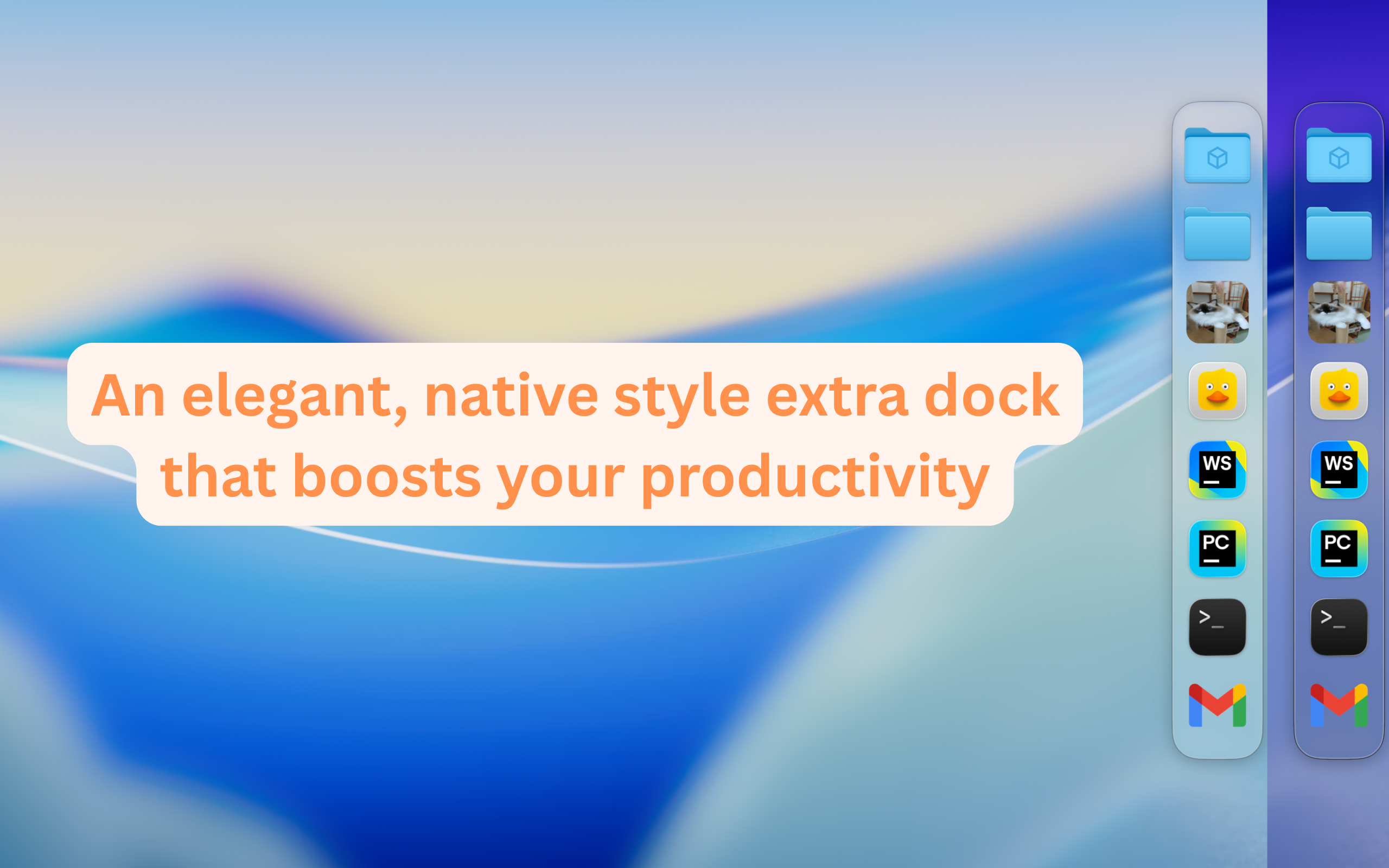
A Second Dock. Elegant, Efficient, Intuitive.
Pin any file, folder, app or link — and keep it always accessible in Another Dock.

Features
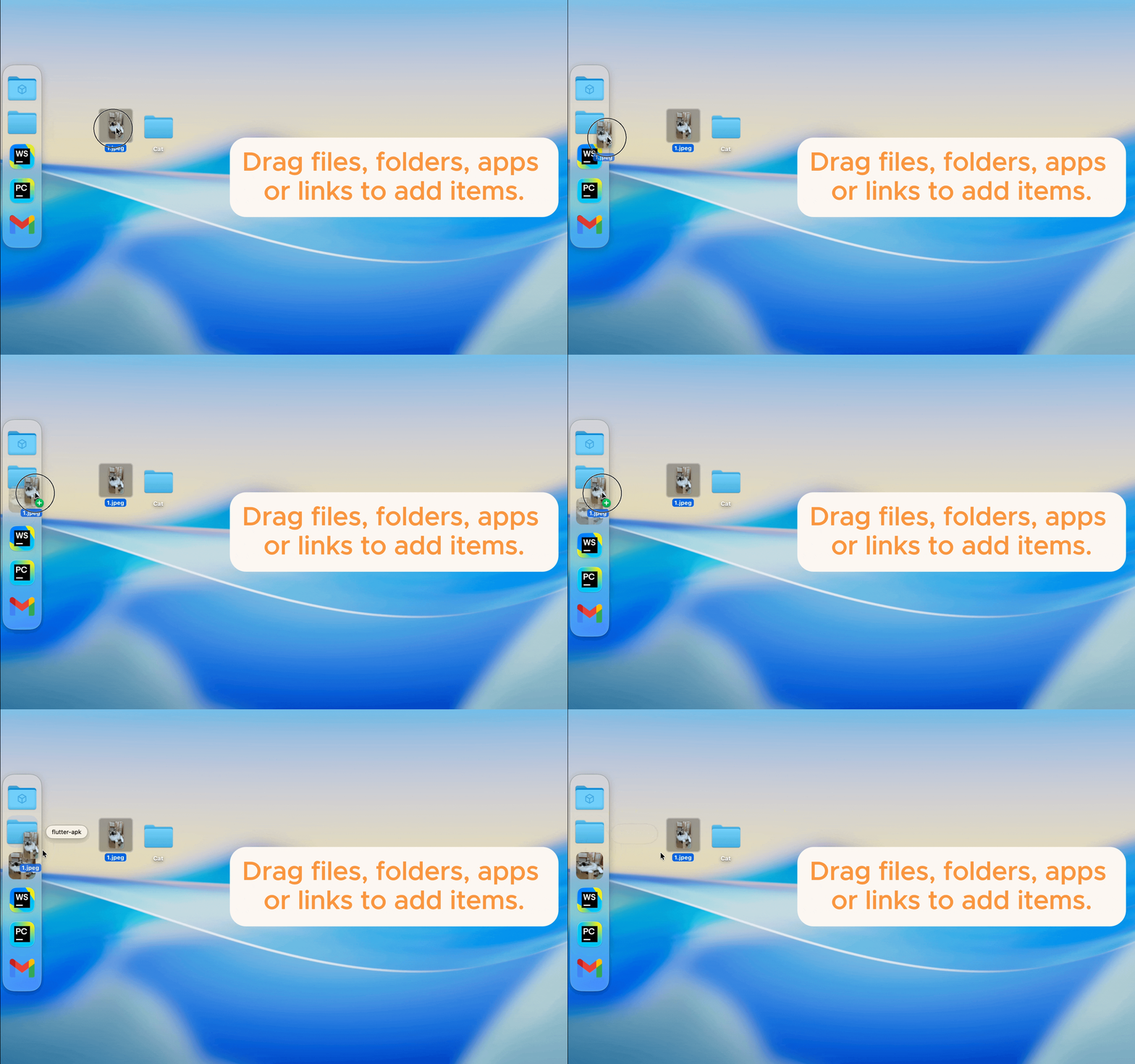
Drag to Add
Easily add files, folders, apps or links by dragging them into the dock.
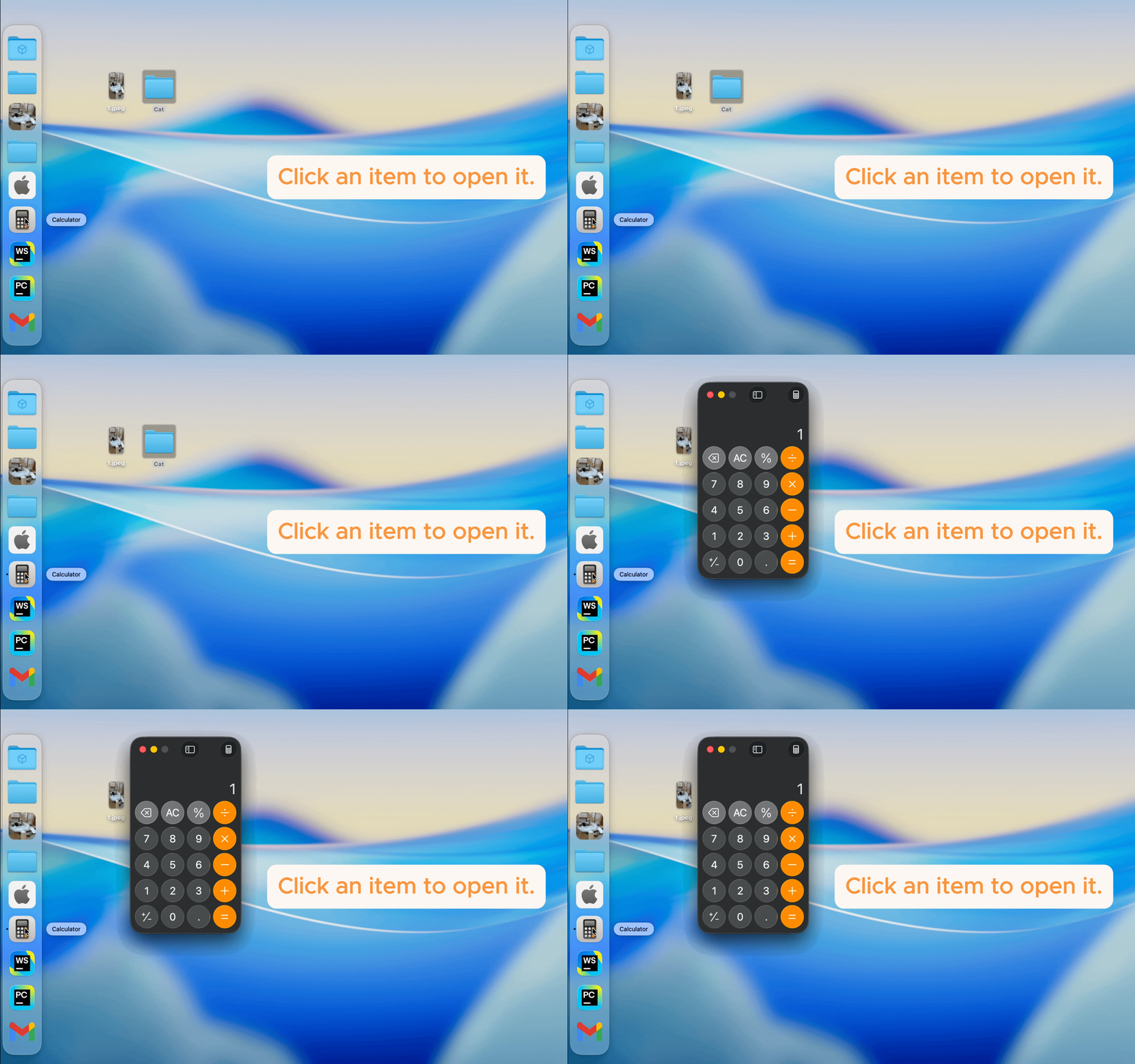
Click to Launch
Instantly open any item with a single click.
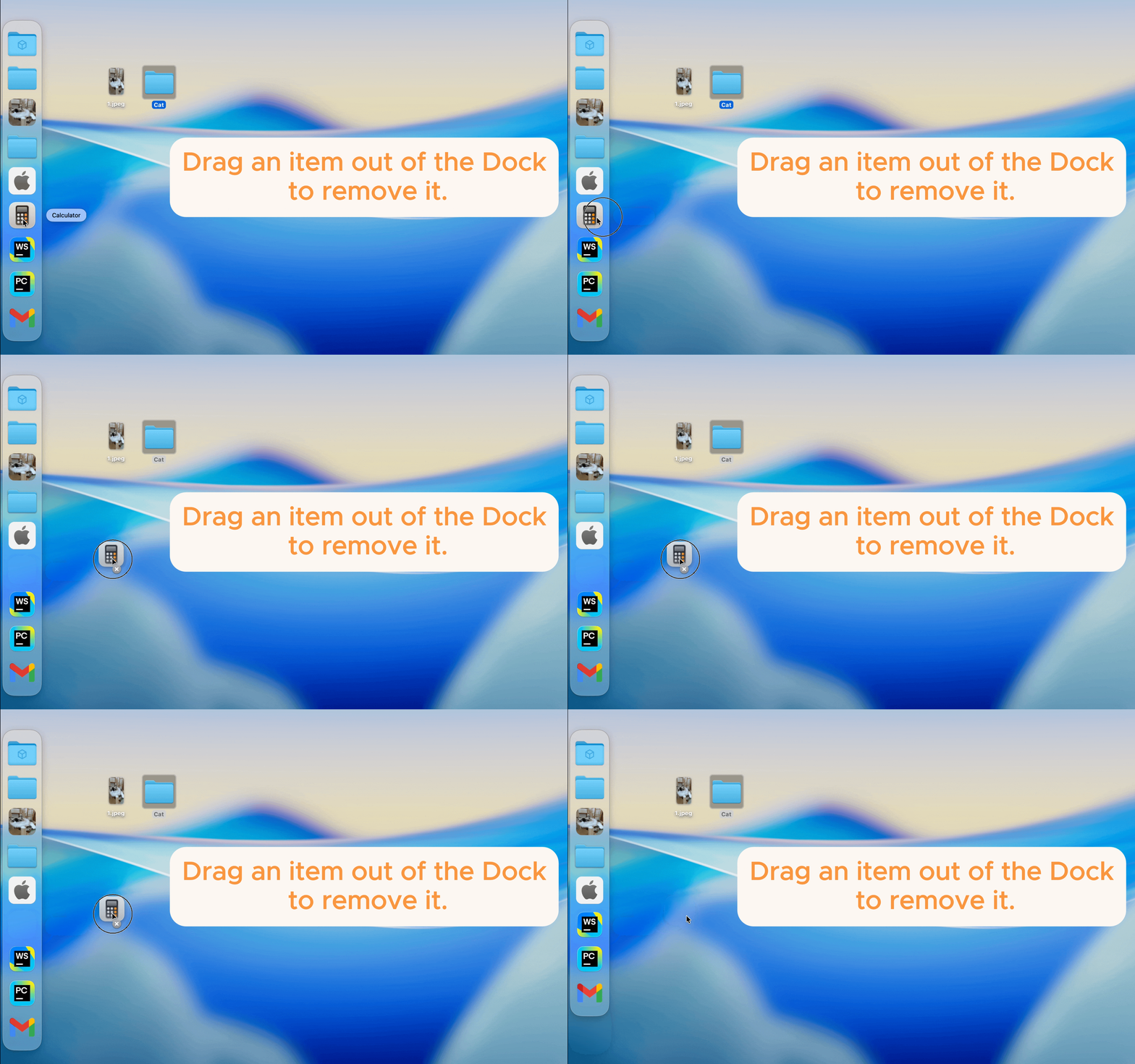
Drag to Remove
Remove items from the dock by simply dragging them out.
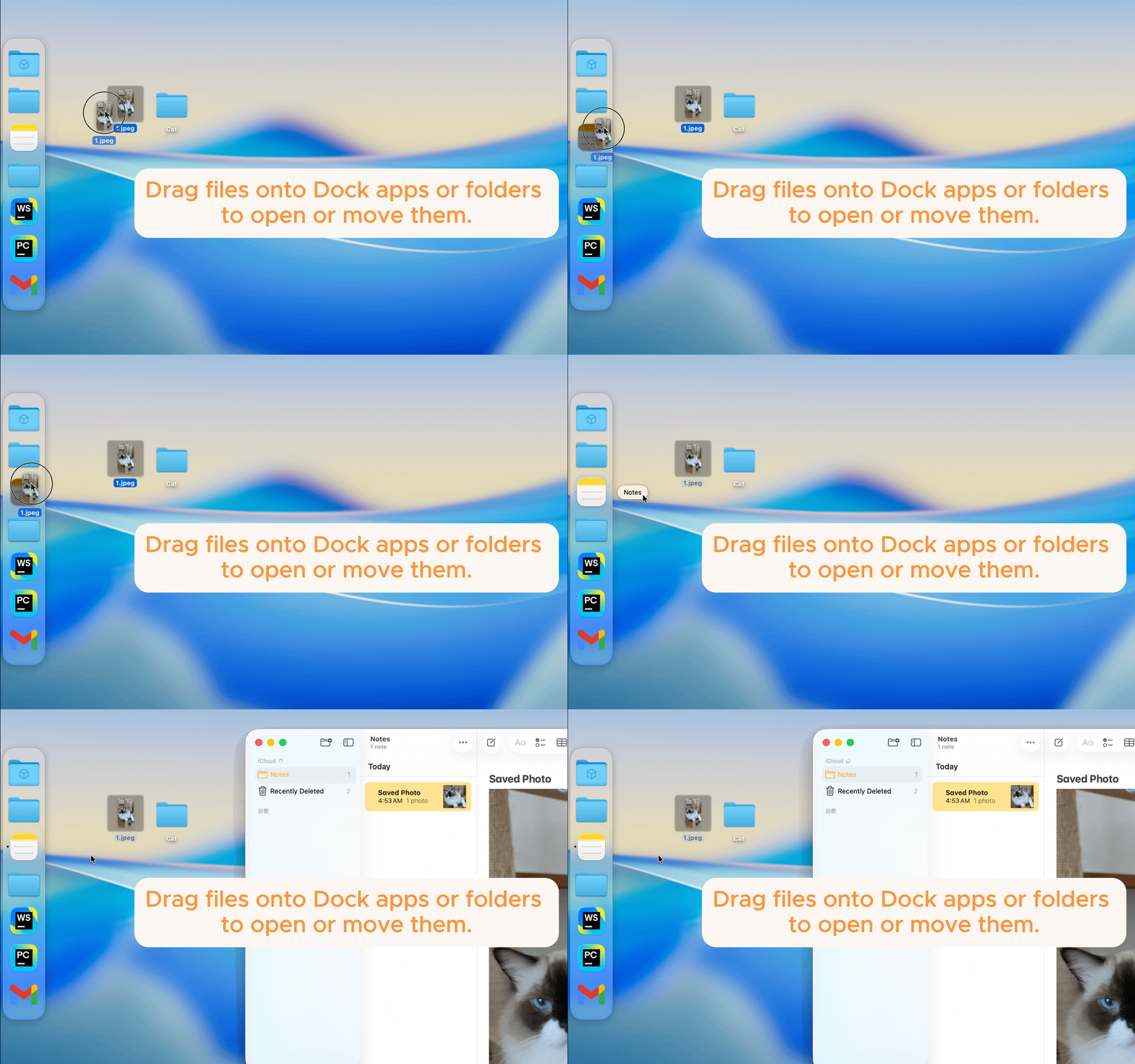
Drag Files to Open or Move
Drag files onto dock items to open them with apps or move them directly into folders.
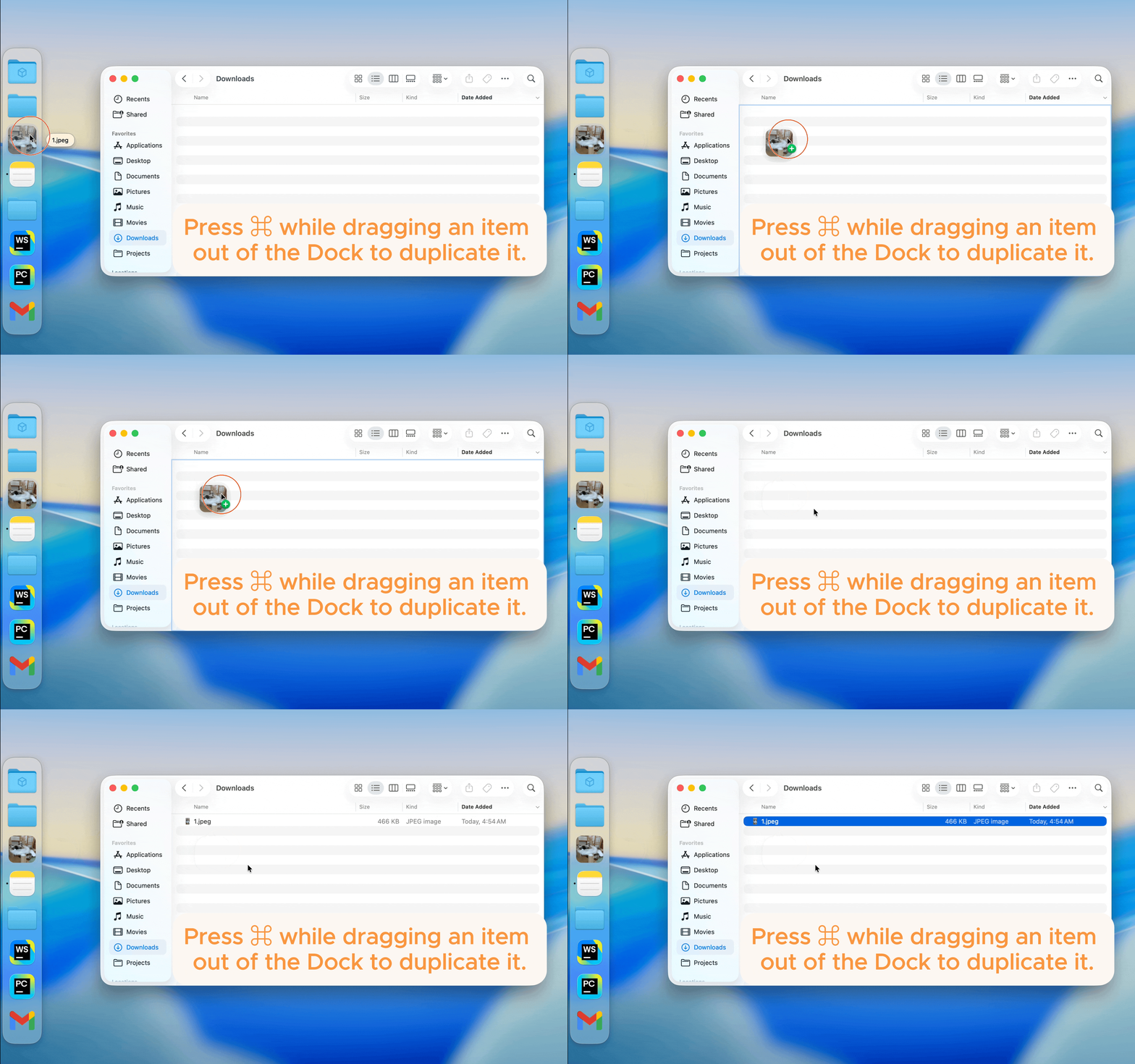
Drag to Duplicate
Hold the Command key while dragging an item to quickly create a duplicate.
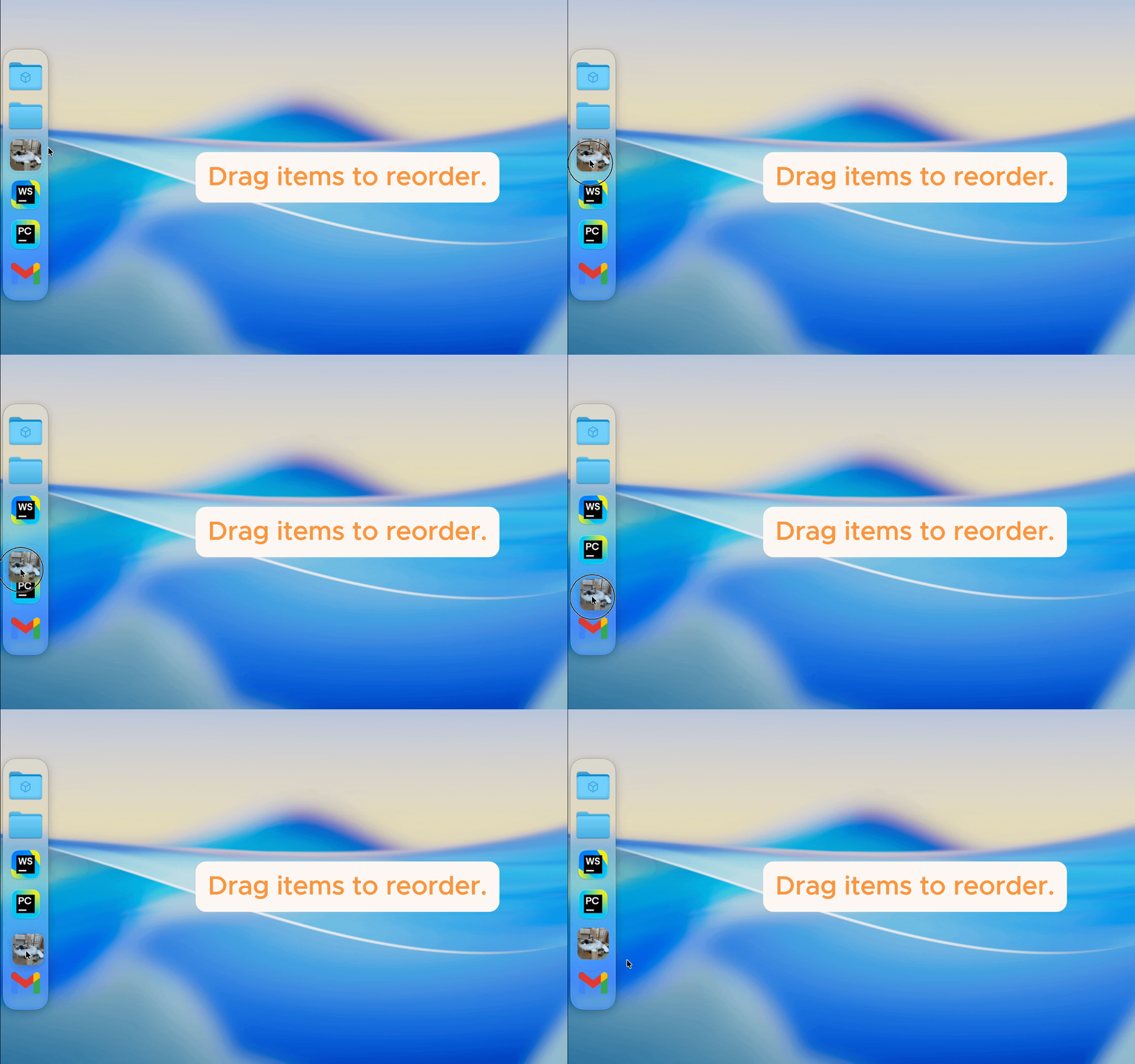
Drag to Reorder
Rearrange items freely by dragging them to a new position in the dock.
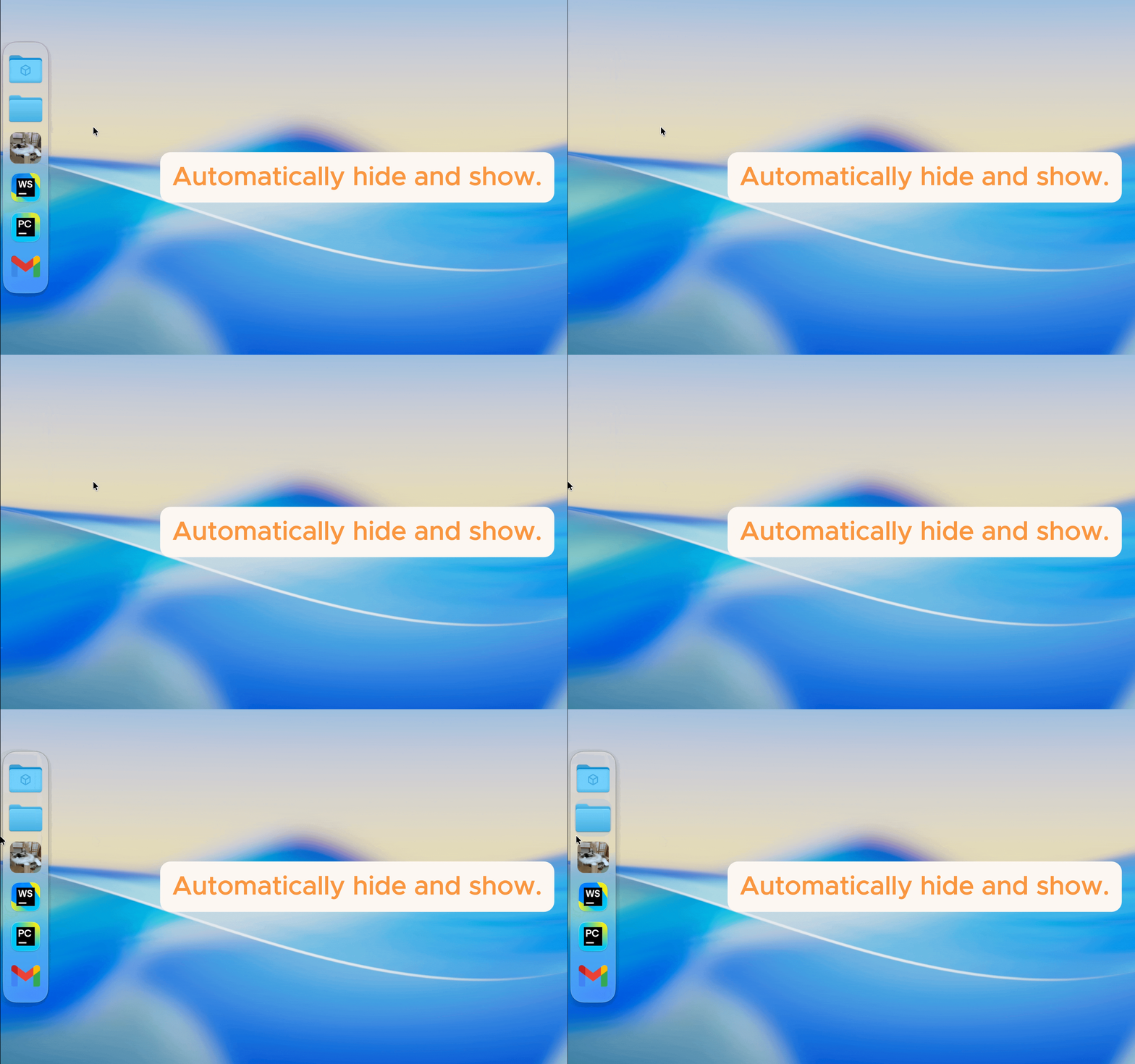
Auto-hide Support
Another Dock appears when you need it, and hides when you don’t.
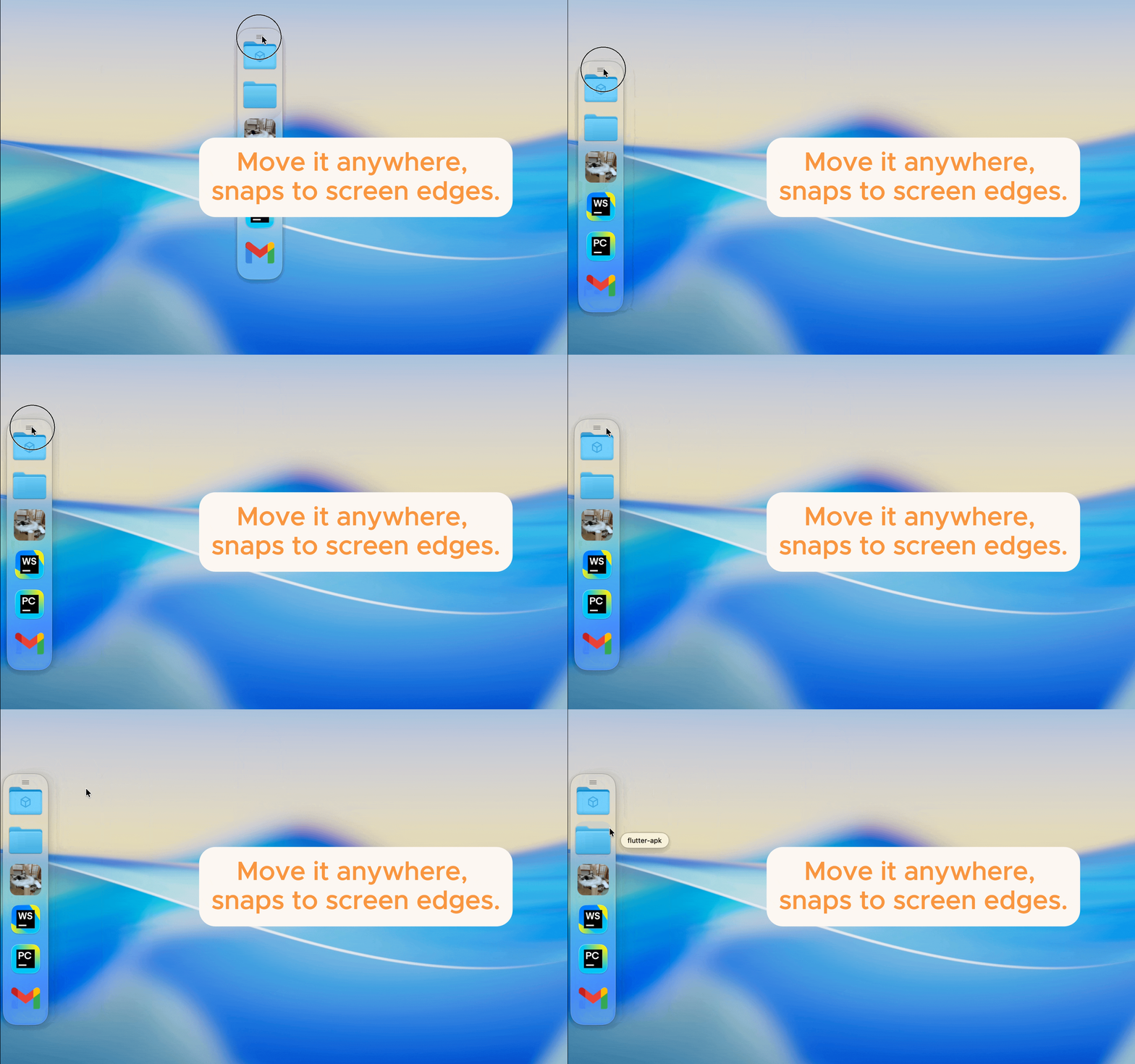
Movable & Edge-Snapping
Freely move the dock anywhere, and it automatically snaps to the left or right edge of the screen.
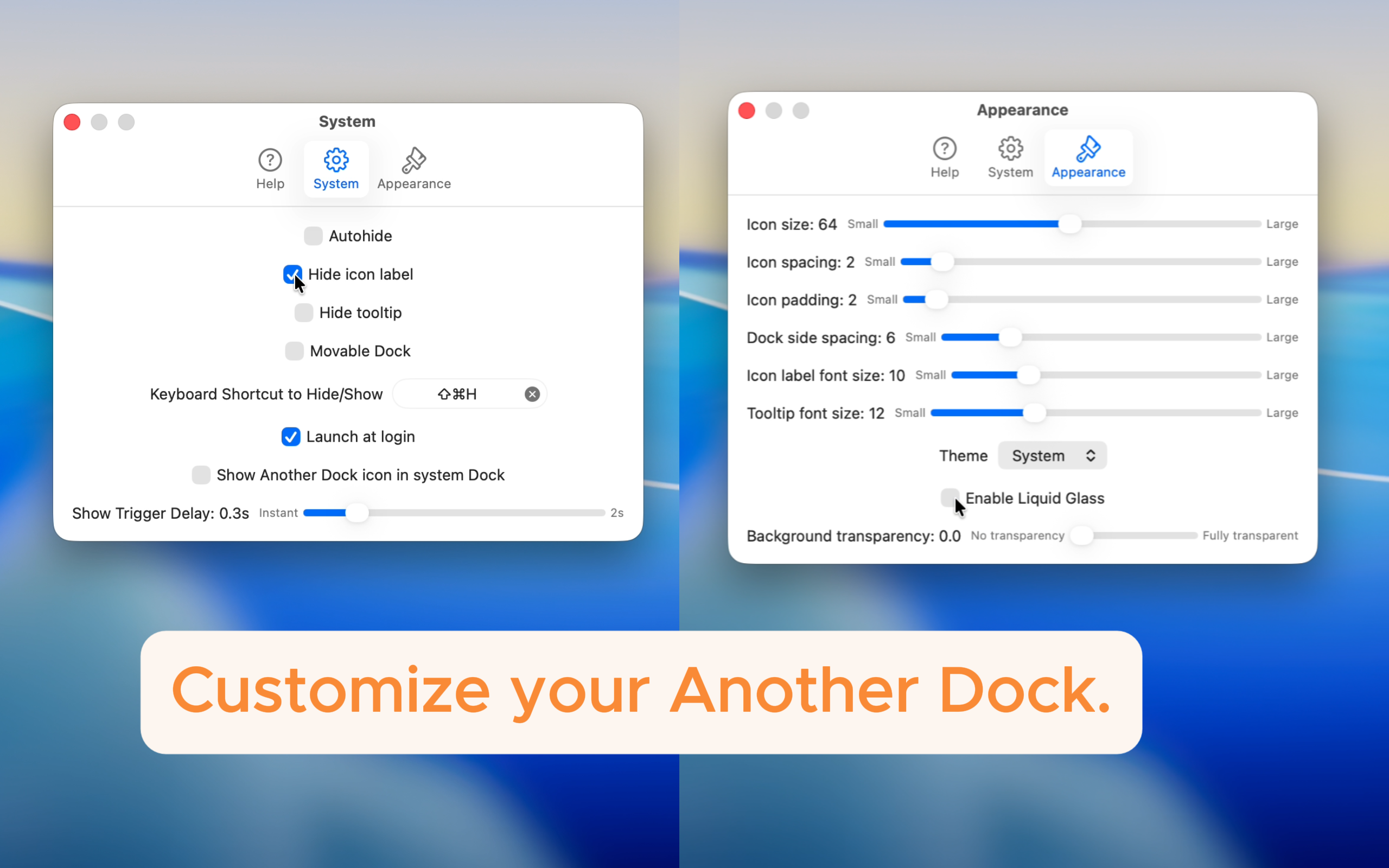
Customize your Dock
Adjust appearance and behavior to create a dock that feels truly yours.
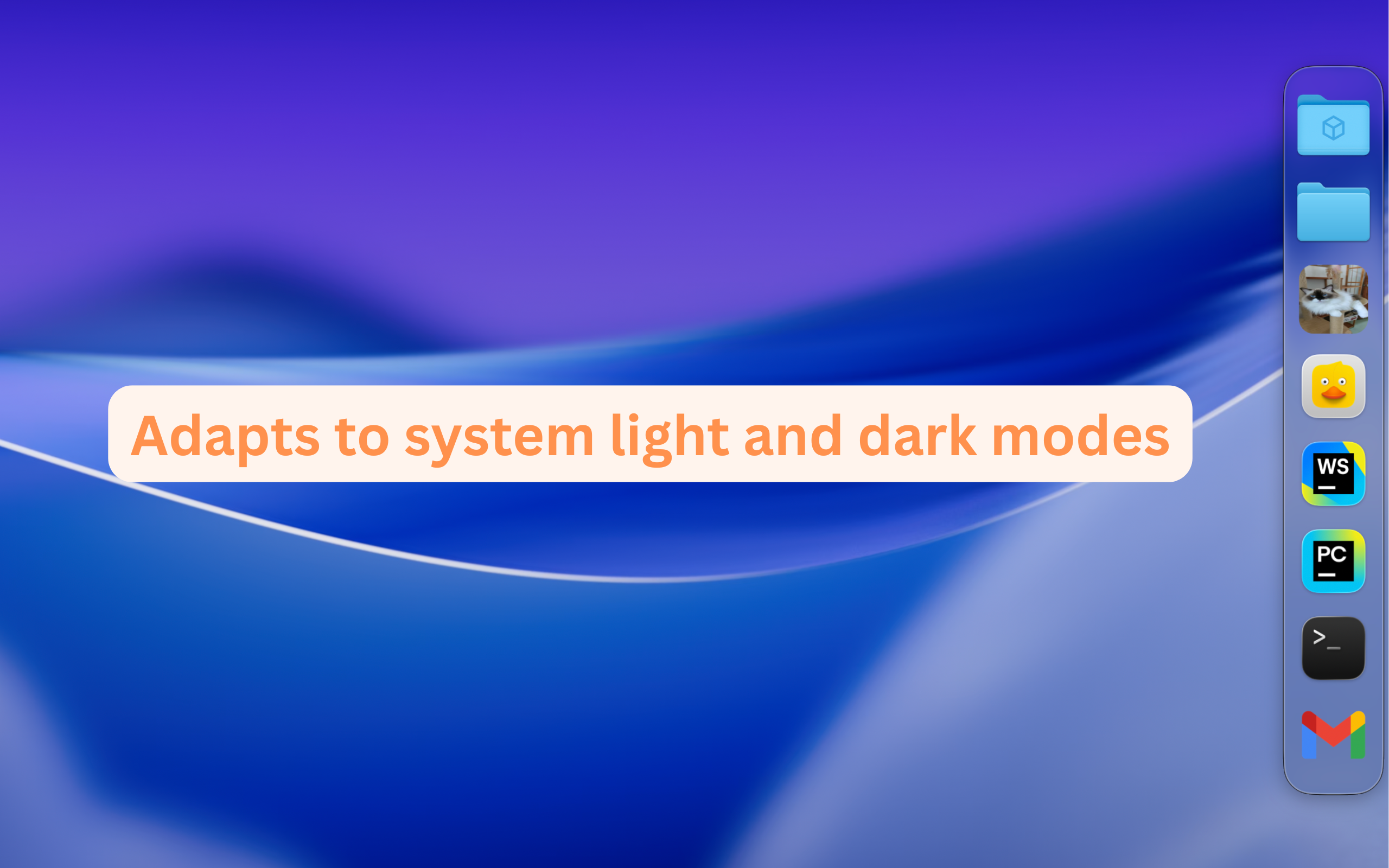
Light & Dark Mode Aware
The dock theme adapts automatically to your system appearance.
What Users Are Saying
“Exactly what I needed. Clean design, lightweight, and incredibly useful. A must-have for power users.”
– Lucas B.
“Finally, a second Dock that feels native. I use it every day to keep my workflow organized.”
– Emily C.
“I didn’t realize how much I needed this until I tried it. Drag and drop, auto-hide — it just works!”
– James R.
“It’s simple but powerful. I can launch my most-used files without cluttering my main Dock. 5 stars.”
– Sophie T.